- Paint my Room
- Guides
- How to
See paint colors on your walls before you paint
Take a photo of the room and try colors on it in a paint visualizer app, or point a paint maker's live camera view at the wall. Use either to get from dozens of colors to two or three, then put real samples of those on the wall.
 The Paint my Room team · 2 min read
Two ways to preview a color on your wall
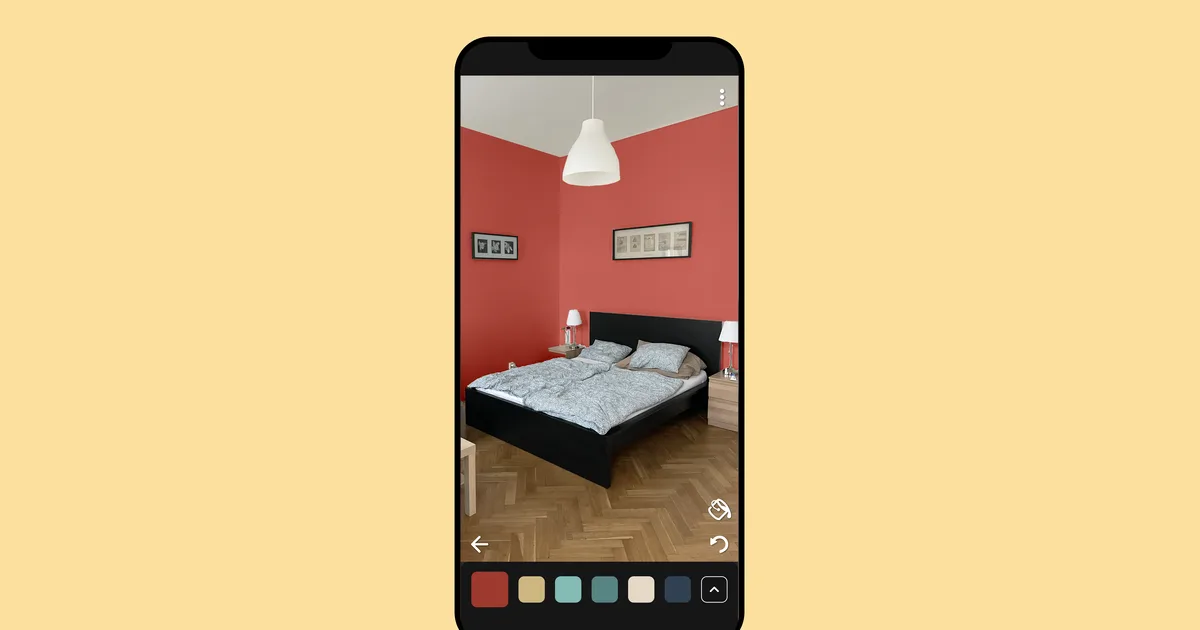
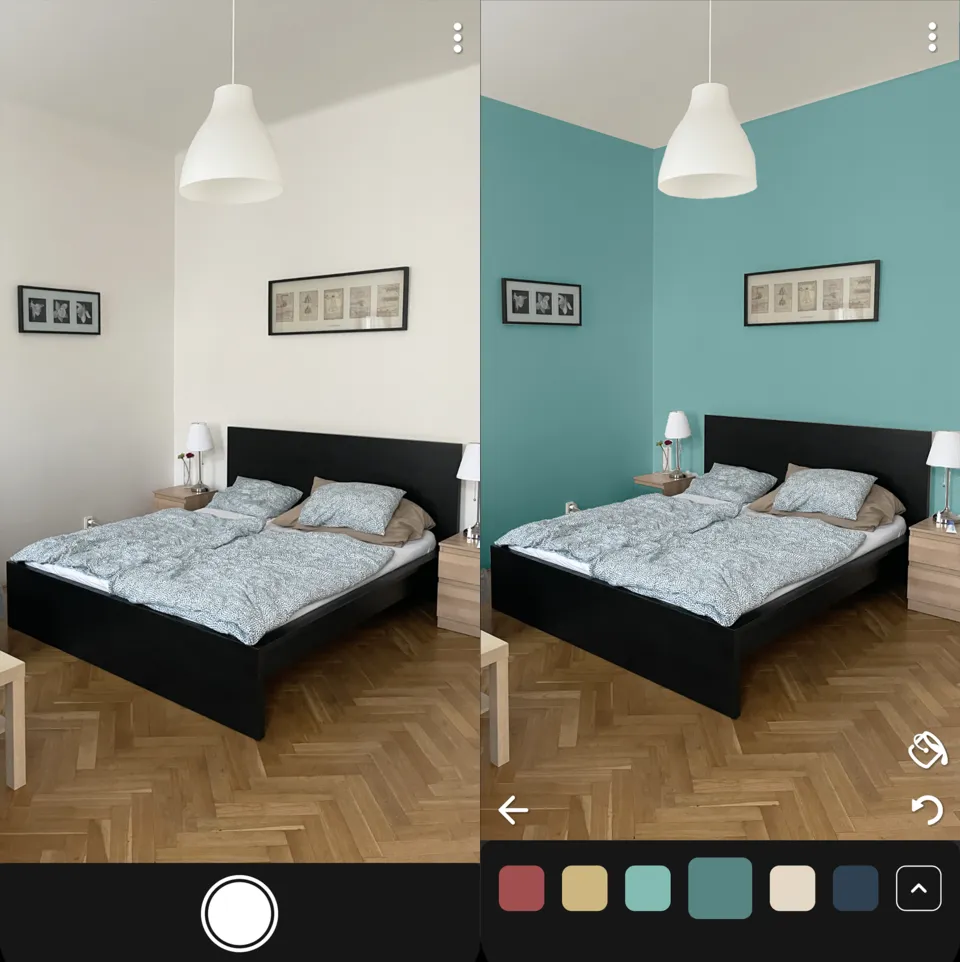
A photo visualizer paints the walls in a still photo. You tap a wall, it fills with the color, and you can try the next one, save the result or compare two versions side by side.
A live camera view, often called AR, tints the wall on screen while you point the phone at it. It is quick for ruling colors out, but the camera keeps adjusting brightness and white balance as you move, so the same color can look different from one second to the next. For comparing finalists, a still photo is steadier.
How to do it with your phone
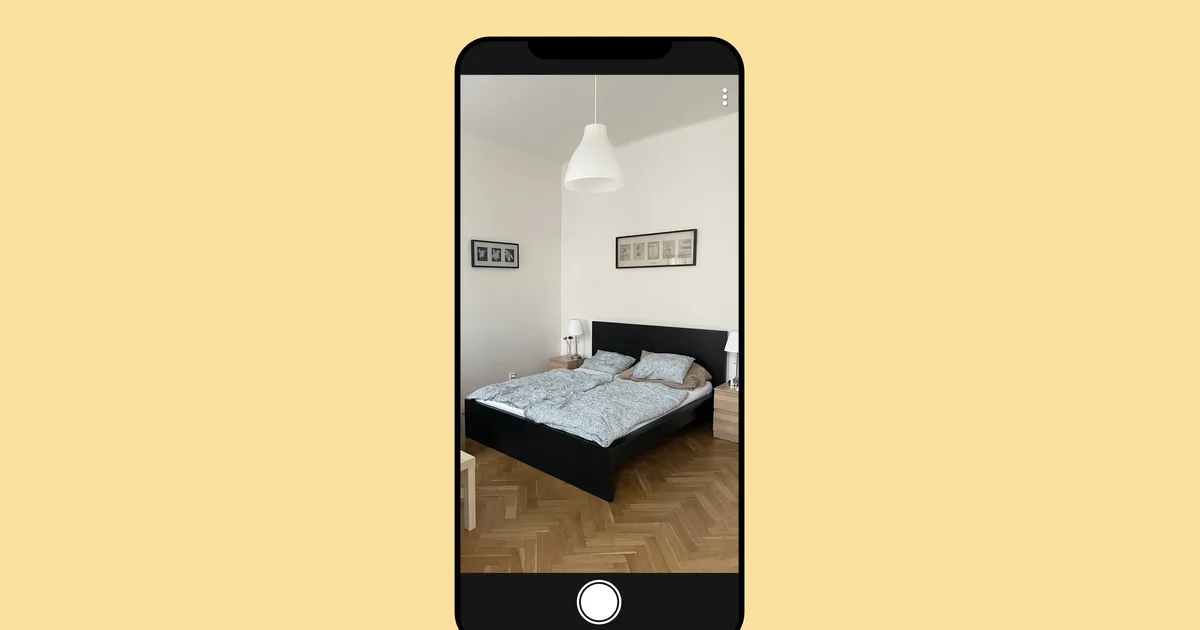
- Take a photo of the wall in good light, straight on, with as little in front of it as you can. A photo you already have works too.
- Open it in a paint visualizer. In Paint my Room, choose Use camera or Import photo, or Panorama to fit a whole room into one picture.
- Tap the wall. The paint fills the surface up to its edges and keeps the photo's light and shadow.
- Try other colors on the same wall, or a different color on each wall.
- Save or export the versions you like and look at them again in the room itself.
Then test the shortlist for real
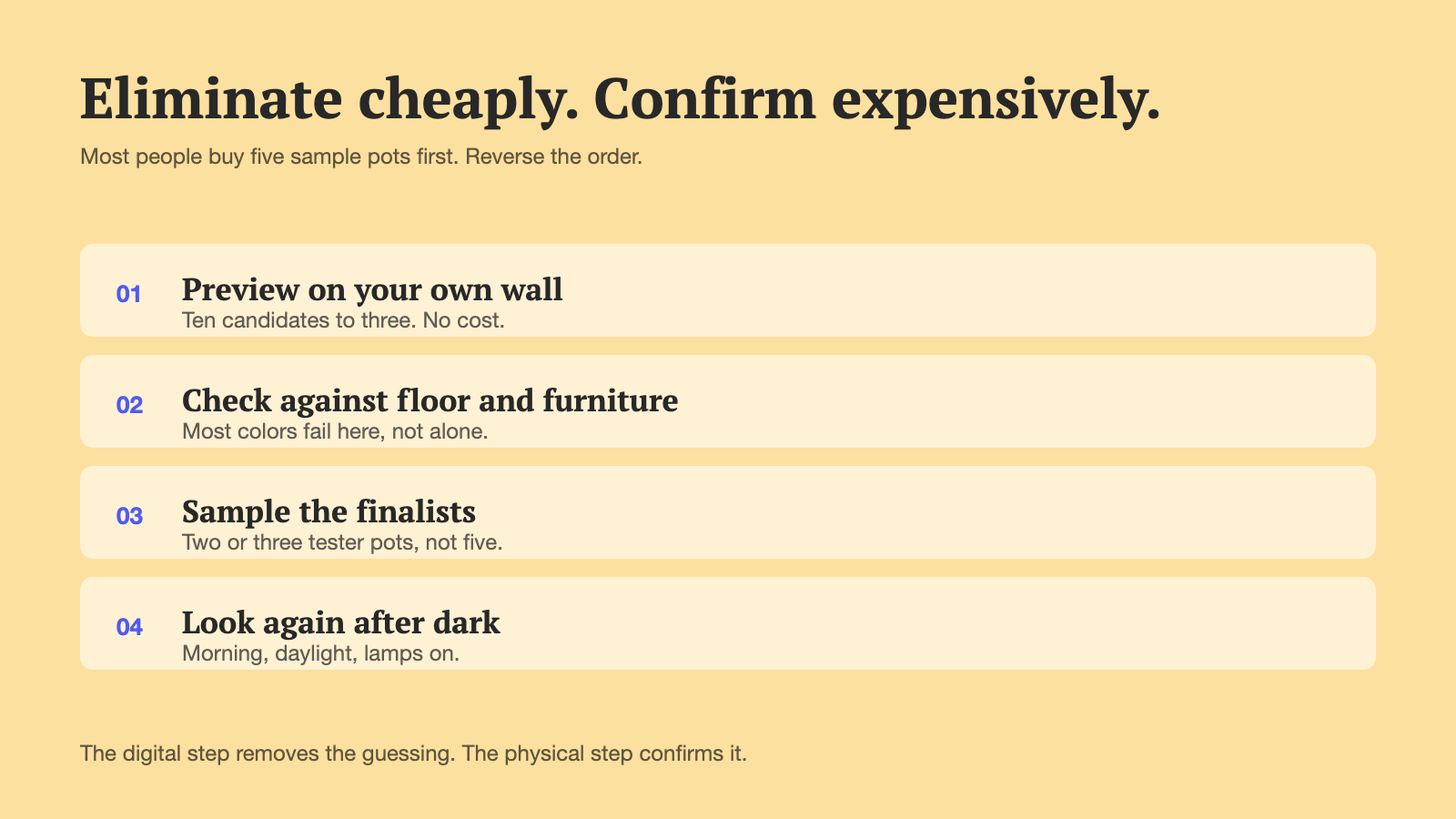
A preview takes you from dozens of colors to two or three. It can't settle the last choice, because a phone screen, the camera and the room's light all change how a color looks, and paint makers say so in their own small print. Buy samples of the finalists, put a large patch on the wall you look at most, and look at it in the morning and again with the lamps on. Our guide to testing a paint color before you buy covers that step.
Which app to use
If you already know the brand you'll buy, its own app has every one of its colors by name and number: Color Expert or ColorSnap for Sherwin-Williams, Color Portfolio for Benjamin Moore, the Dulux Visualiser in the UK. If you're comparing brands, or your color comes from somewhere else, use a brand-neutral visualizer such as Paint my Room and type the color's HEX code. Our comparison of paint visualizer apps goes through each.
Questions people ask
How can I see what my room would look like in a different color?
Take a photo of the room and open it in a paint visualizer app such as Paint my Room, Benjamin Moore's Color Portfolio or Sherwin-Williams' Color Expert. Tap a wall to paint it, then try other colors. The furniture, floor and light stay as they are in your photo, so you see the color in your own room.
Is there a free app to see paint colors on walls?
Yes. Paint makers' apps such as Sherwin-Williams Color Expert, Benjamin Moore Color Portfolio and the Dulux Visualiser are free and show their own brand's colors. Paint my Room is free to download, takes any brand's color by its HEX code, and a premium upgrade unlocks its full set of features.
Are paint visualizer apps accurate?
Close enough to shortlist, not to decide. A phone screen, the camera's automatic white balance and your room's light all change how a color looks, which is why paint makers warn that screen colors may differ from the paint. Use the app to get down to two or three colors, then test real samples.
Can I use a photo I already have?
Yes. Most visualizers let you import a photo from your gallery. Paint my Room takes JPG, PNG and HEIC photos, and panoramas shot with your phone's own camera, which fit a whole room into one picture. A bright, straight-on photo of the wall gives the cleanest result.
Sources
- Color Portfolio on the App StoreBenjamin Moore's listing: photo and live video visualizer, checked November 2026
- ColorSnap Visualizer for mobileSherwin-Williams: the Instant Paint live view, checked November 2026
- Sherwin-Williams Color Expert on the App Storelisting checked November 2026
- White Dove OC-17Benjamin Moore's color page: "Screen colors may differ", checked November 2026
See the color on your walls first
Paint my Room paints a photo of your own room in any color, with its light and shadow kept. Free to download on iPhone, iPad and Android.