- Paint my Room
- Guides
- Comparison
Paint visualizer apps: which one to use
If you know which brand you'll buy, use that maker's free app: it has every one of its colors by name and number. If you're comparing brands, or your color comes from somewhere else, use a brand-neutral visualizer like Paint my Room and type the color's HEX code.
 The Paint my Room team · 3 min read
Side by side
What each one offers, from its own store listing or website, checked in November 2026.
| App | Colors | How it shows them | Also |
|---|---|---|---|
| Sherwin-Williams ColorSnap Visualizer | About 1,700 Sherwin-Williams colors | Live on your wall through the camera (Instant Paint), and sample scenes | Matches a photo to Sherwin-Williams colors, RGB and LRV values, paint calculator |
| Sherwin-Williams Color Expert | Sherwin-Williams | On a photo of your space | Color suggestions from a photo, chips and peel-and-stick samples by mail (US and Canada); iPhone needs iOS 18 |
| Benjamin Moore Color Portfolio | Benjamin Moore collections | On a photo you tap, or live through the camera | Virtual fan deck; color matching with a ColorReader device sold separately |
| Behr, on behr.com | Behr | Room images on its website | HEX, RGB and LRV on its color pages |
| Dulux Visualiser (UK) | Dulux | Live on your wall through the camera | Finds the nearest Dulux colour to anything you photograph, testers by mail, stockist finder |
| Glidden | Glidden | Sample rooms and house exteriors | Matches a color from your photos; free 8x8 swatches by mail |
| Paint my Room | Any brand's color, by its HEX code, or any color from the color picker | On a photo or panorama of your room or house | A different color on each wall, the photo's light and shadow kept, export with HEX codes |
Paint makers' apps: pick the brand first
A paint maker's app knows every one of its colors by name and number, so the shade you settle on is the one the store mixes. Most are free and come with a way to buy: Color Expert and Glidden mail samples, the Dulux Visualiser orders testers. Their limit is the brand. Color Portfolio can't show a Sherwin-Williams color, and ColorSnap can't show a Benjamin Moore one, so comparing two brands means two apps and two sets of screenshots.
Live camera or a still photo
ColorSnap's Instant Paint, Color Portfolio's video visualizer and the Dulux Visualiser paint the wall live while you point the phone at it. That is the fastest way to rule colors out. For a final comparison a still photo is steadier, because the camera keeps adjusting exposure and white balance as you move, so the same color looks a little different from one moment to the next. A photo also lets you keep the result and share it.
Paint my Room: any color on a photo of your room
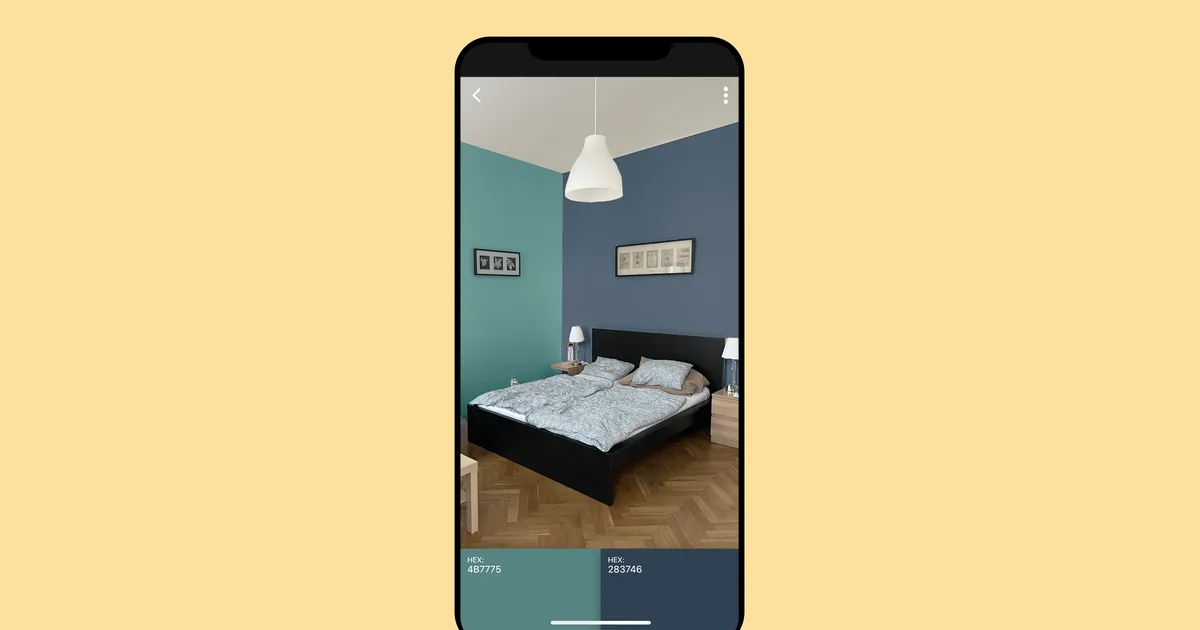
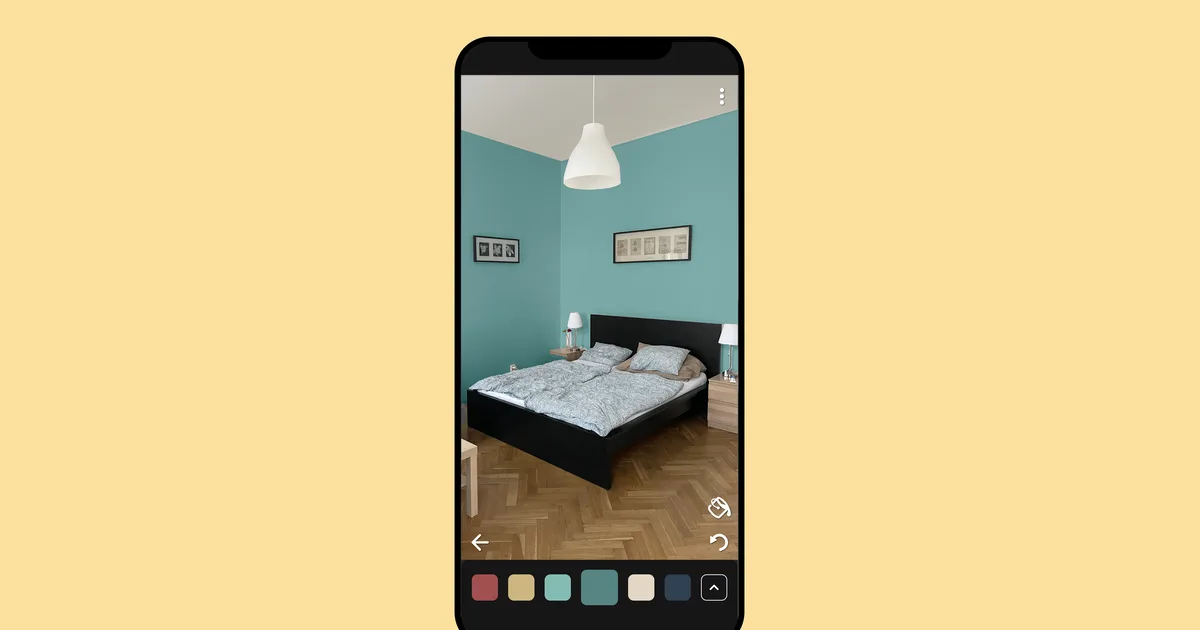
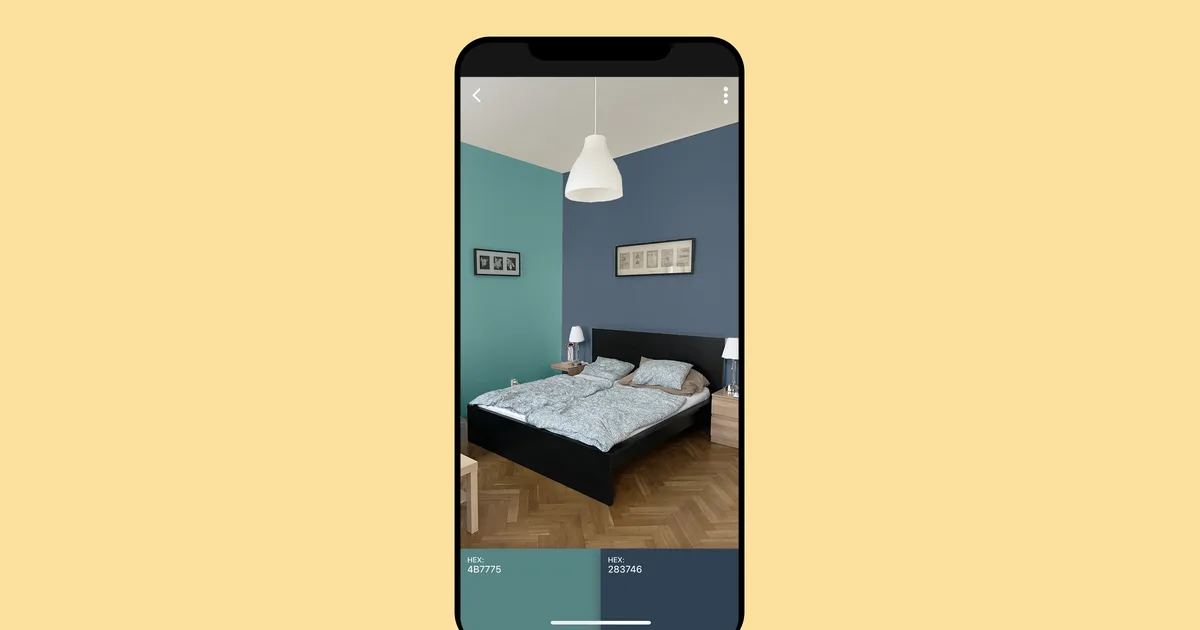
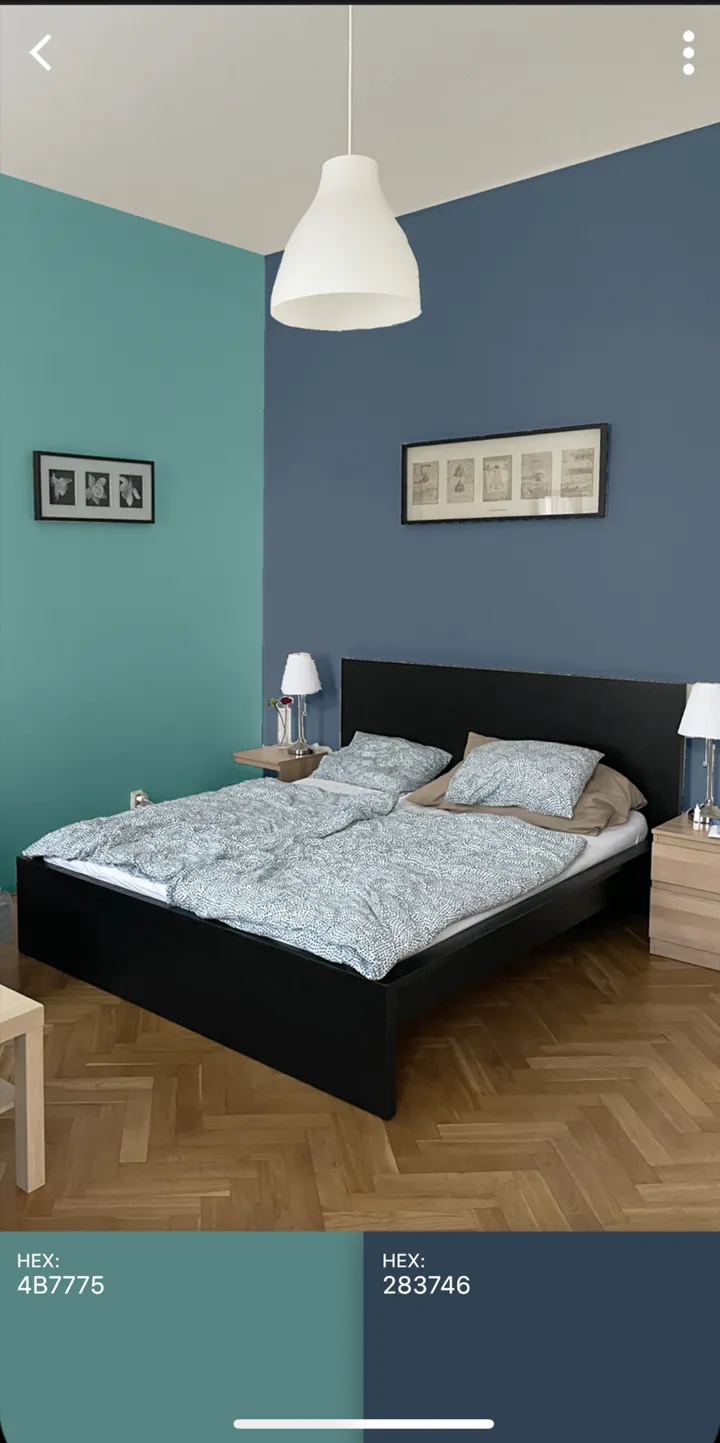
Paint my Room isn't made by a paint maker, so it takes any brand's color. You take or import a photo, tap a wall, and the paint fills it up to its edges with the photo's light and shadow kept. Each wall can take a different color, and the exported image lists the HEX code of every color used.
To try a particular paint, type its HEX code from the maker's site, so colors from different brands go side by side on one photo. It works on a still photo rather than the live camera, and it can't match a color from a photo. It is free to download, and a premium upgrade unlocks its full set of features.
How to choose
- You know the brand: use its app or website, and order its samples.
- You're comparing brands, or have a color from a designer, a photo or a website: use Paint my Room and type each color's HEX code. Our guide to trying any brand's colors on one photo shows how.
- You want a quick look at the real wall: a live camera view from ColorSnap, Color Portfolio or the Dulux Visualiser.
- Whichever you use, sample the final two or three on the wall before you buy.
Questions people ask
What is the best app to see paint colors on my walls?
It depends on the brand. For Sherwin-Williams colors use ColorSnap or Color Expert, for Benjamin Moore use Color Portfolio, and in the UK the Dulux Visualiser. To compare colors from several brands on one photo of your room, use a brand-neutral visualizer like Paint my Room and type each color's HEX code.
Is there a free paint visualizer app?
Yes. Sherwin-Williams Color Expert, Benjamin Moore Color Portfolio, the Dulux Visualiser and Glidden are free apps that show their own colors, and Behr's visualizer is on its website. Paint my Room is free to download, and a premium upgrade unlocks its full set of features.
Which paint visualizer has a live camera view?
Sherwin-Williams ColorSnap Visualizer (Instant Paint), Benjamin Moore Color Portfolio (its video visualizer) and the Dulux Visualiser paint the wall live through the camera, each with its own brand's colors. Paint my Room works on a still photo instead, which is steadier for comparing two colors side by side.
What are alternatives to the Sherwin-Williams ColorSnap app?
Sherwin-Williams' own Color Expert app paints its colors on a photo of your space. Benjamin Moore Color Portfolio and the Dulux Visualiser do the same for their brands, with a live camera view. Paint my Room takes any brand's color by its HEX code, so a Sherwin-Williams color can go next to a Benjamin Moore one on the same photo.
Sources
- ColorSnap Visualizer for mobileSherwin-Williams: Instant Paint, 1,700 colors, photo matching, RGB and LRV values, checked November 2026
- Sherwin-Williams Color Expert on the App Storelisting checked November 2026
- Color Portfolio on the App StoreBenjamin Moore's listing, checked November 2026
- Gratifying Gray DC-008a Behr color page: HEX, RGB and LRV, and the room visualizer, checked November 2026
- Dulux Visualiser on the App Store (UK)listing checked November 2026
- Glidden on the App Storelisting checked November 2026
See the color on your walls first
Paint my Room paints a photo of your own room in any color, with its light and shadow kept. Free to download on iPhone, iPad and Android.