- Paint my Room
- Guides
- Comparison
AI or a paint visualizer: which to trust
An AI image tool can repaint a photo of your room from a prompt, and it's a quick way to explore ideas. But it redraws the picture, so check that nothing else changed. To judge one specific paint color on your own walls, a paint visualizer changes only the walls you tap, in the color you set.
 The Paint my Room team · 2 min read
What AI repainting is good for
Ask ChatGPT or an AI room design app to show your living room in sage green and you get a finished-looking picture in seconds. That's useful early on, when you're still deciding on a mood: a warm or a cool room, light walls or dark ones, how a color might sit with a new sofa. It can restyle furniture and decor at the same time, which no paint visualizer does.
Where it falls short for choosing paint
An image model redraws the photo rather than tinting it. OpenAI's image guide notes that even a masked edit "may not follow its exact shape with complete precision", that a higher complexity setting can "introduce unwanted changes", and that you should "review the result before using it". So the window frame, the trim or the shadows can come back slightly different, and two versions in two colors may differ in more than the paint. The color itself is the model's reading of your words. Compare every result with your original photo and with the paint's own swatch.
What a paint visualizer does instead
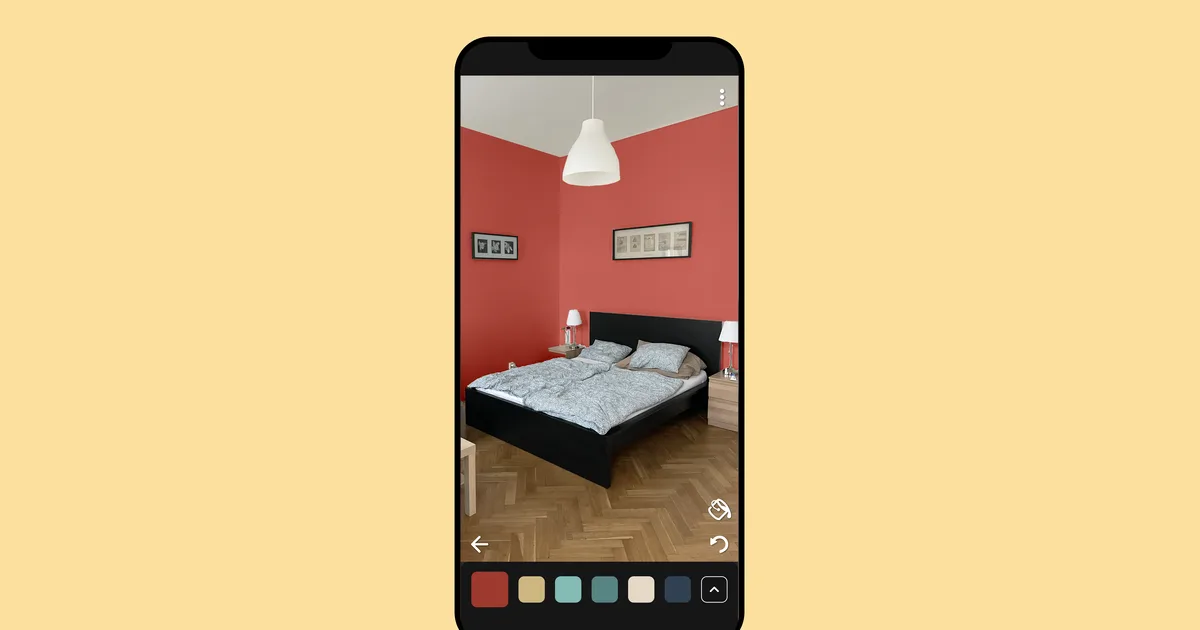
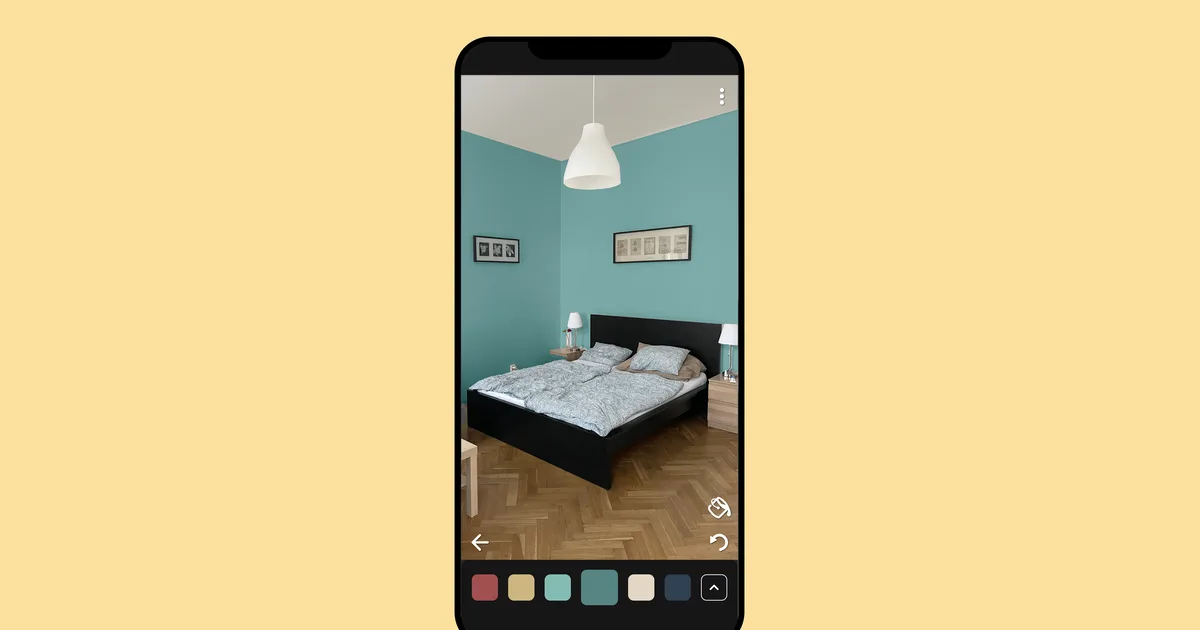
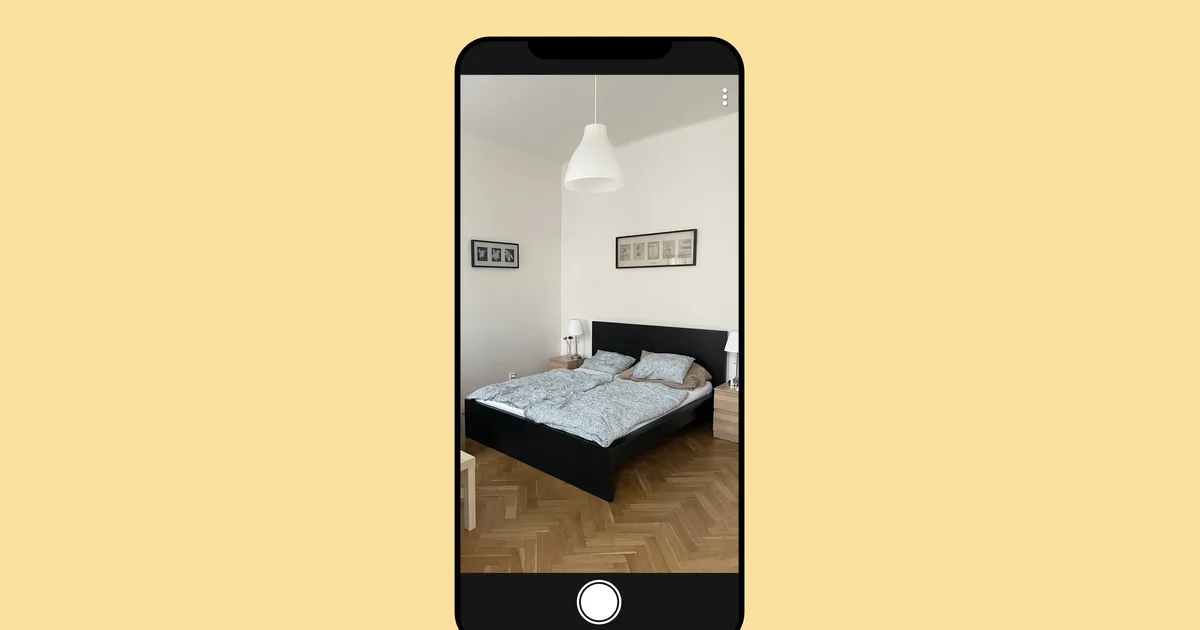
A paint visualizer such as Paint my Room works on your photo as it is. You tap a wall, the paint fills it up to its edges, and every other pixel stays untouched. The color is the one you set, from the palette, the color picker or a HEX code, shaded by the photo's own light and shadow. Swap the color and only the color changes, so comparing two candidates is a fair test.
| AI image tool | Paint visualizer | |
|---|---|---|
| What changes | The whole picture is redrawn | Only the walls you tap |
| How you set the color | Describe it in words or a code | Pick it, or type its HEX code |
| Comparing two colors | Two new pictures that may differ elsewhere | The same photo, only the paint differs |
| Best for | Exploring a style, furniture included | Choosing between specific paint colors |
Use both, in this order
- Explore ideas with an AI tool if you like: the mood, light or dark, warm or cool.
- Turn the ideas into real paint colors from a maker's range.
- Try those exact colors on a photo of your room in a paint visualizer, a different color on each wall if you're comparing.
- Buy samples of the last two or three and look at them on the wall morning and evening.
Questions people ask
Can ChatGPT change the color of the walls in a photo of my room?
Yes. Upload the photo and describe the color, and ChatGPT's image tool creates a repainted version. It redraws the whole picture, so check that the furniture, trim and light stayed the same. To try one exact paint color, a paint visualizer that takes a HEX code changes only the walls.
Can AI show me what my room would look like painted a different color?
Yes, as an idea. AI image tools repaint a photo of your room from a description in seconds, and AI room design apps restyle the furniture too. For choosing an actual paint, use the AI picture to settle on a direction, then try the specific colors in a paint visualizer and test samples.
Are AI room design apps accurate for paint colors?
Not reliably for an exact shade. They generate a new image from your words, so the color is the model's interpretation and other details can shift between versions. Paint visualizers recolor only the walls in your own photo, in the color you set. Neither replaces a physical sample, because every screen shows color differently.
What's the difference between an AI room designer and a paint visualizer?
An AI room designer redraws your room, walls, furniture and decor, from a prompt. A paint visualizer such as Paint my Room keeps your photo exactly as it is and changes only the walls you tap to the color you pick, keeping the light and shadow. One is for ideas, the other for choosing a paint.
Sources
- Image generationOpenAI's API guide: masks and edits, and its limitations, checked November 2026
See the color on your walls first
Paint my Room paints a photo of your own room in any color, with its light and shadow kept. Free to download on iPhone, iPad and Android.